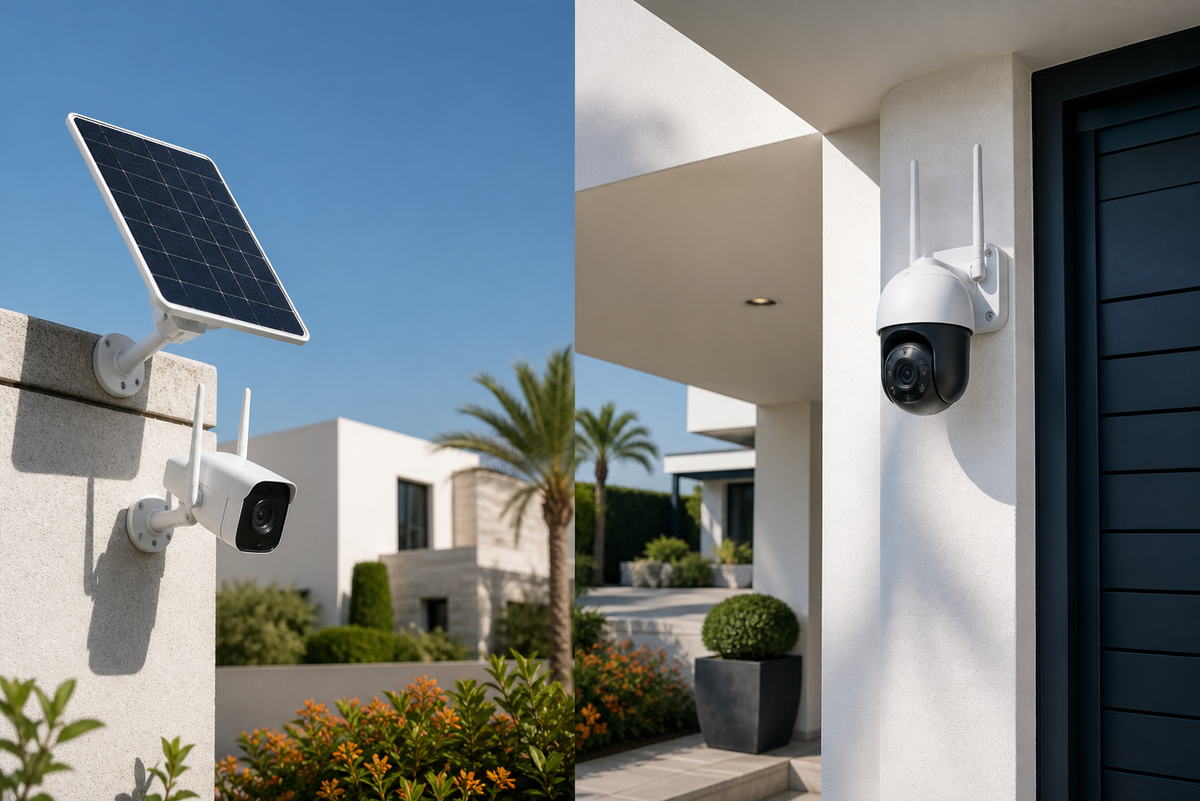
Solar and WiFi CCTV cameras solve different security needs. A standard WiFi camera is often convenient where electricity and a stable internet connection are already available. A solar camera can be more practical for outdoor areas where running a power cable is difficult.
How a WiFi security camera works
A WiFi camera normally connects to a nearby router and receives power from an electrical socket or adapter. It can send live video and alerts to a mobile application. Depending on the model, recordings may be saved to a memory card or cloud service.
WiFi cameras are commonly used inside apartments, offices, shops and villas. They are particularly useful when the camera is close to the router and a continuous power supply is available.
How a solar security camera works
A solar camera uses a rechargeable battery supported by a solar panel. It is designed for outdoor locations and can reduce the need for permanent power wiring. Battery performance depends on sunlight, recording activity, alerts, temperature and camera settings.
Solar cameras may be suitable for villa boundaries, gardens, farms, warehouses, construction areas and parking spaces. The panel should be installed where it receives adequate direct sunlight and is not shaded for most of the day.
Main differences
| Feature | WiFi camera | Solar camera |
|---|---|---|
| Power | Usually electrical adapter | Battery and solar panel |
| Best location | Near power and WiFi | Outdoor areas with sunlight |
| Installation | Simple when an outlet is nearby | Requires secure camera and panel placement |
| Maintenance | Mostly app and storage checks | Panel cleaning and battery monitoring |
| Connection | Usually WiFi | WiFi or 4G depending on model |
What about locations without WiFi?
A solar panel provides power, but it does not automatically provide internet. For a remote location without WiFi, consider a model that supports a mobile SIM and 4G data. Check network compatibility, SIM requirements and expected data costs before ordering.
Important UAE installation considerations
- Place solar panels where they receive direct sunlight.
- Choose an outdoor-rated camera for heat, dust and moisture exposure.
- Mount the camera high enough to reduce tampering while keeping the target area visible.
- Test mobile alerts and night vision after installation.
- Check local building or community rules before installing equipment in shared areas.
Which camera is right for you?
Choose a WiFi camera for indoor monitoring or outdoor areas where power and router coverage are dependable. Choose a solar camera when power wiring is inconvenient and the location receives sufficient sunlight. For remote sites without broadband, compare solar 4G models.
Browse our security camera collection to compare available WiFi, solar and 4G options with UAE delivery information.
Final recommendation
Start with the installation location rather than the product feature list. Confirm power, internet coverage, sunlight, viewing angle and storage requirements. This prevents common problems such as weak connections, poor solar charging and missed recording coverage.